
Clients Overview
The Clients section is where you store contact details, preferences, and history for everyone you serve. A complete client record makes scheduling, checkout, and communication much smoother.
The Clients List
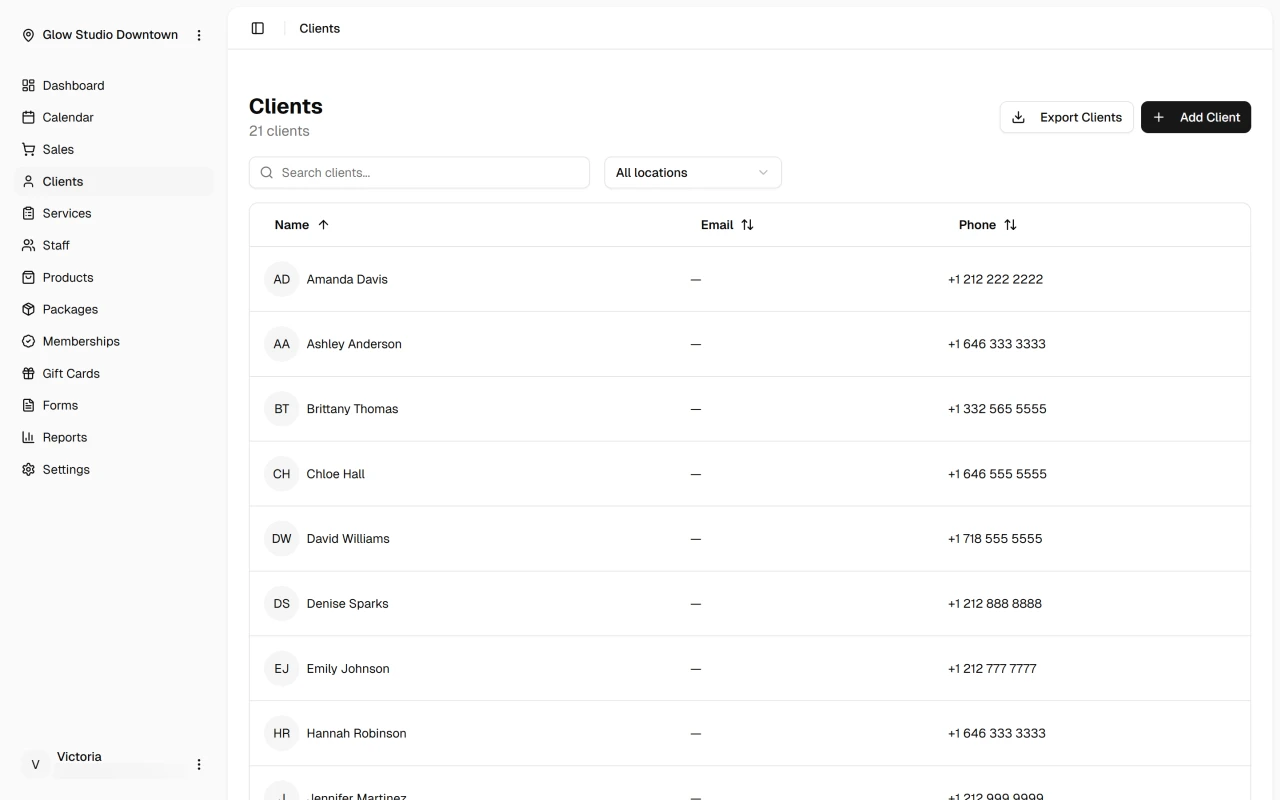
When you open Clients, you'll see your full client list with names, contact details, and recent activity. Use the search bar to find someone by name, phone, or email.
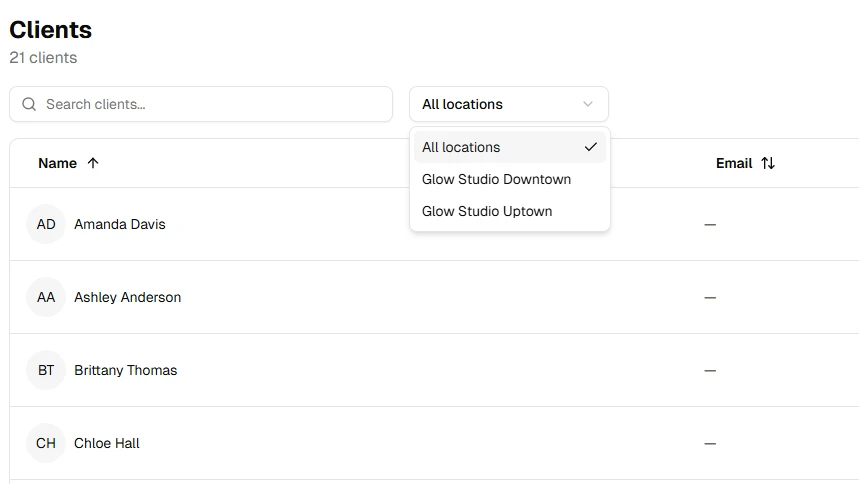
If you operate multiple locations, filter the list to show clients for a specific location.
Click any client to open their profile, where you can view appointments, forms, wallet details, and more.
Adding and Updating Clients
Add a client from the Clients page with Add Client, or create a profile while booking an appointment. You can update contact details, notification preferences, notes, and profile photo anytime from the client profile.
See Add client and Edit client for step-by-step guides.
Next Steps
Helpful Hint
Enter complete contact details when creating a profile — accurate records improve reminders, receipts, and follow-up communication.