
Staff Management Overview
Manage your team members in DaySpark by creating profiles, assigning services, setting schedules, and configuring locations. This helps ensure clients can book the right services with the right staff at the right times.
What You Can Do
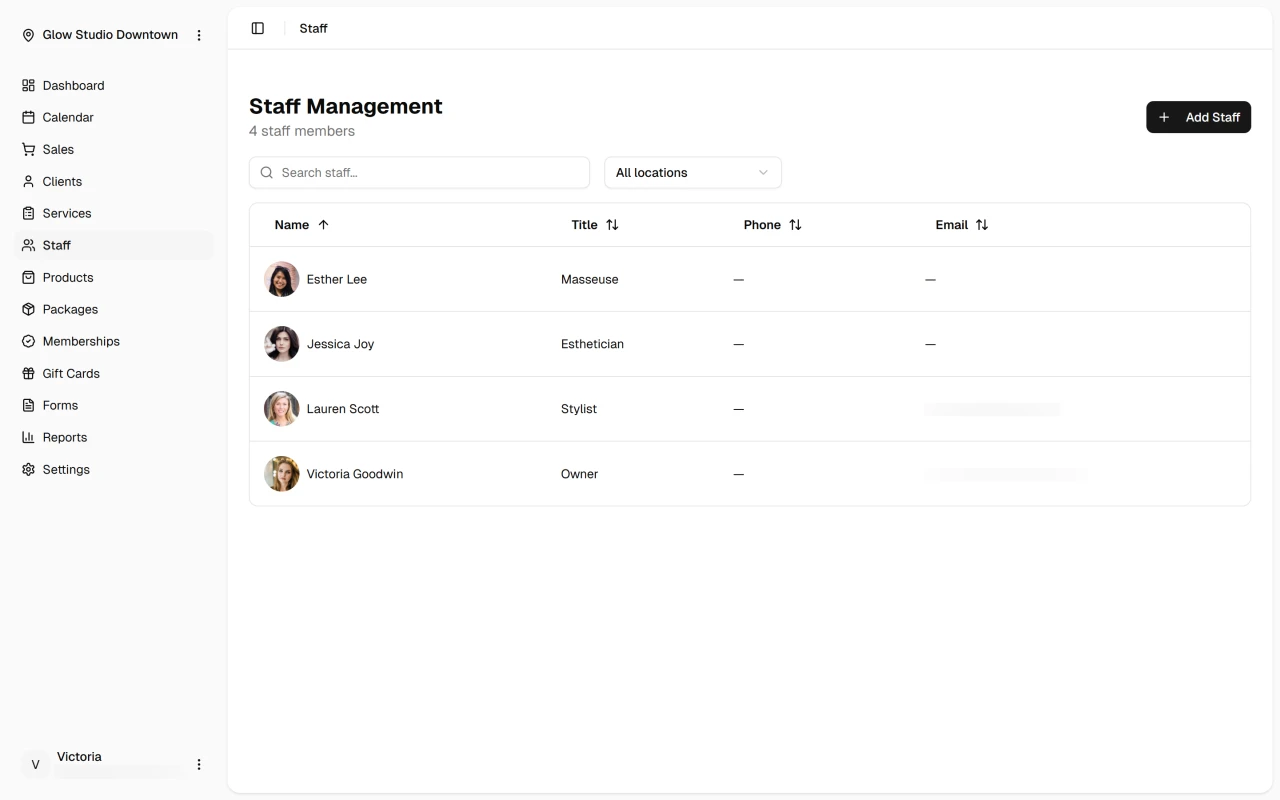
DaySpark's staff management is organized into four main areas that you can access through tabs in each staff member's profile:
Profile Tab: Update basic information like names, contact details, job titles, and bios. You can also control whether clients can book this staff member online.
Services Tab: Assign which services each staff member can provide. You can select individual services or entire categories, and easily manage what each team member is qualified to do.
Locations Tab: Choose which locations each staff member works at. This ensures they're only available for booking at locations where they actually work.
Schedule Tab: Set working hours for each staff member at each location. You can have different schedules for different locations, giving you flexibility for multi-location businesses.
Getting Started
The easiest way to get started is to add your first staff member and work through each tab:
- Add a staff member with their basic information
- Assign them to services they can provide
- Set their working hours so they're available for booking
- Assign them to locations where they work
Once you have one staff member set up, you can add more and follow the same process. The system is designed to be simple and straightforward.
Quick Tip
Start with your core team and essential services, then gradually expand profiles and capabilities as your team grows comfortable with the system. This approach helps ensure adoption and proper use of features.