
Gift Cards Overview
Gift cards let clients purchase prepaid credit for your location and send it to someone as a gift. The recipient gets an email with a unique code and redeems it at checkout.
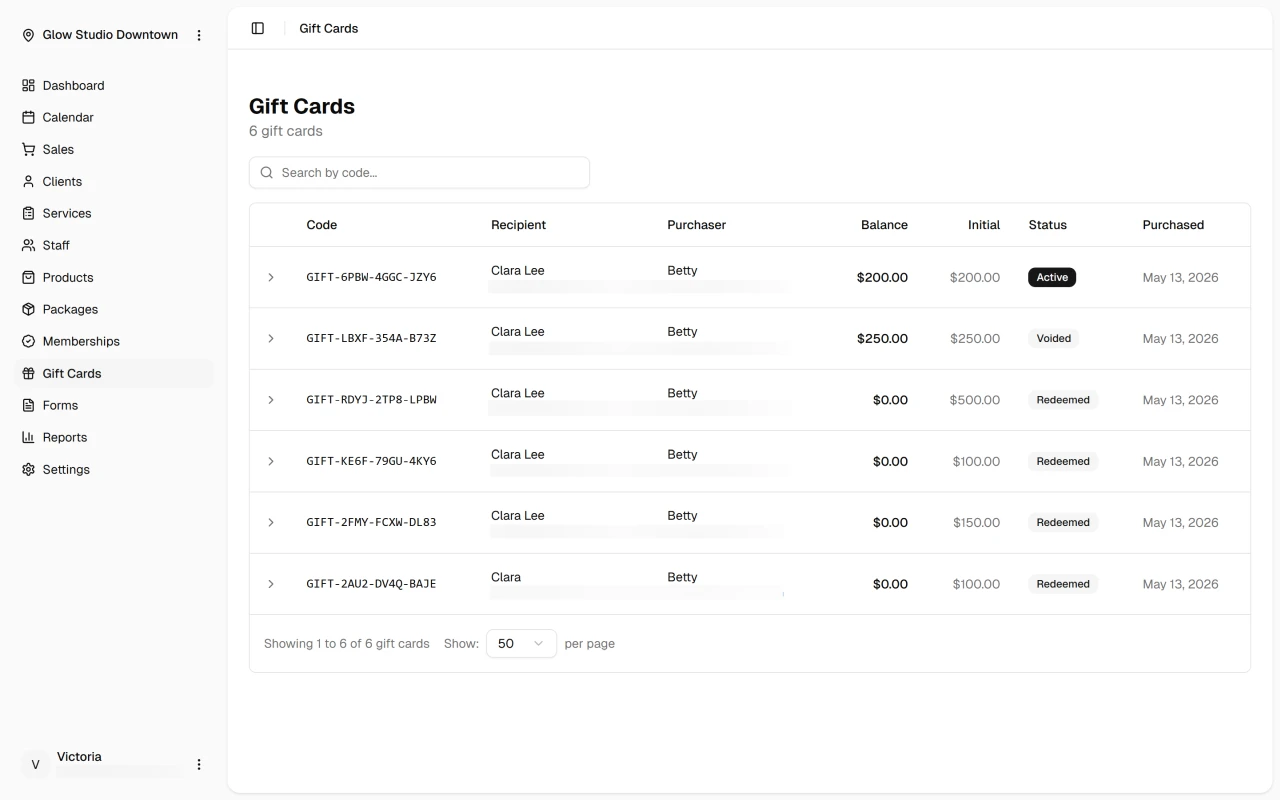
How Gift Cards Work
- Purchase — a customer buys a gift card from your online booking page, choosing an amount and entering recipient details
- Delivery — the recipient receives an email with their code and starting balance
- Redemption — staff enter the code at checkout in DaySpark
- Balance applied — the gift card amount reduces the sale total; any remainder is collected separately
Requirements
Gift card sales need DaySpark Payments active for the location and Gift card sales enabled in Settings → Payments. When both are on, Send a Gift Card appears on your online booking page automatically.