
Email and SMS Reminders
DaySpark sends automated appointment reminders by email and SMS. Configure each channel under Settings → Email Notifications and Settings → SMS Notifications.
Email Reminders
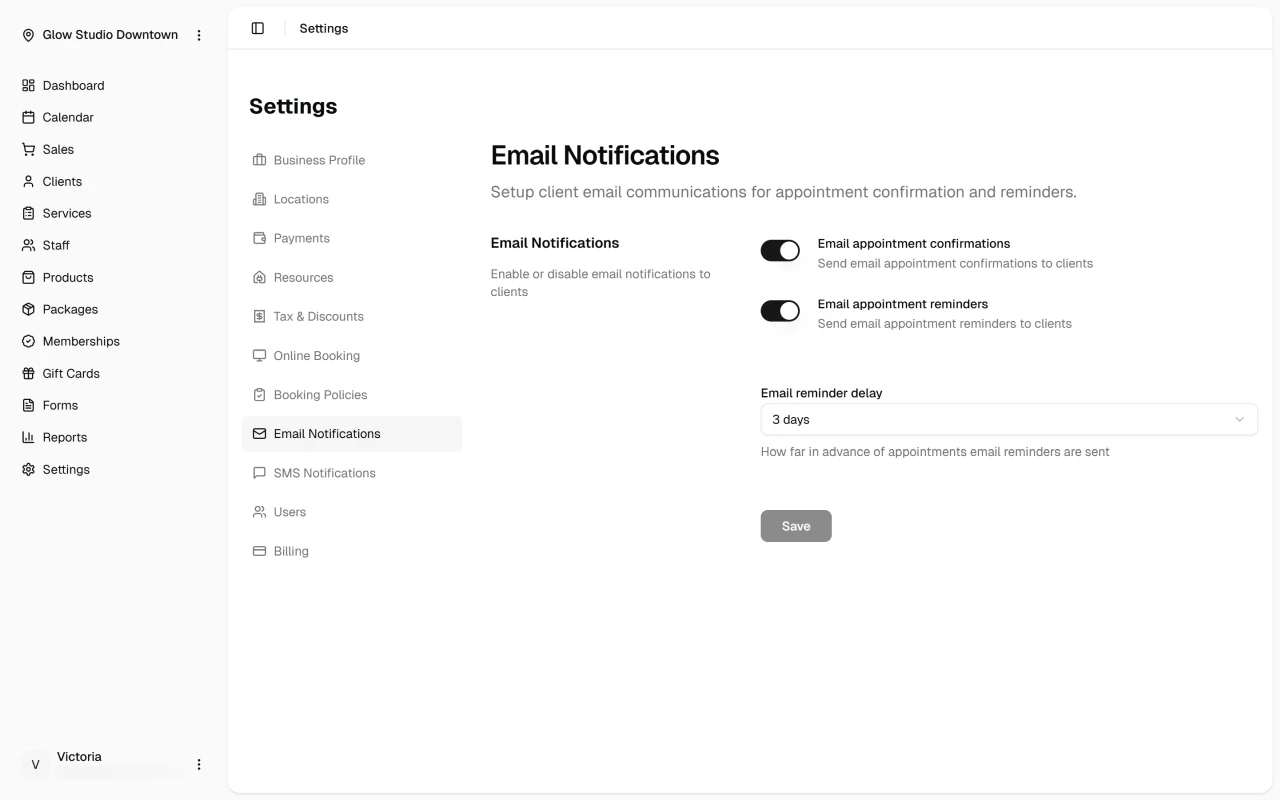
Toggle Email appointment reminders on or off, then set Email reminder delay — how many days before the appointment the email is sent.
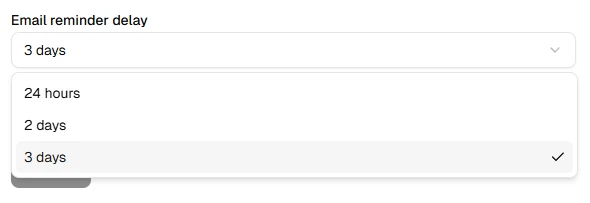
Email reminders are included with your DaySpark subscription at no extra charge.
SMS Reminders
SMS reminders require the Growth plan or higher, an active SMS subscription, and a location in the United States or Canada.
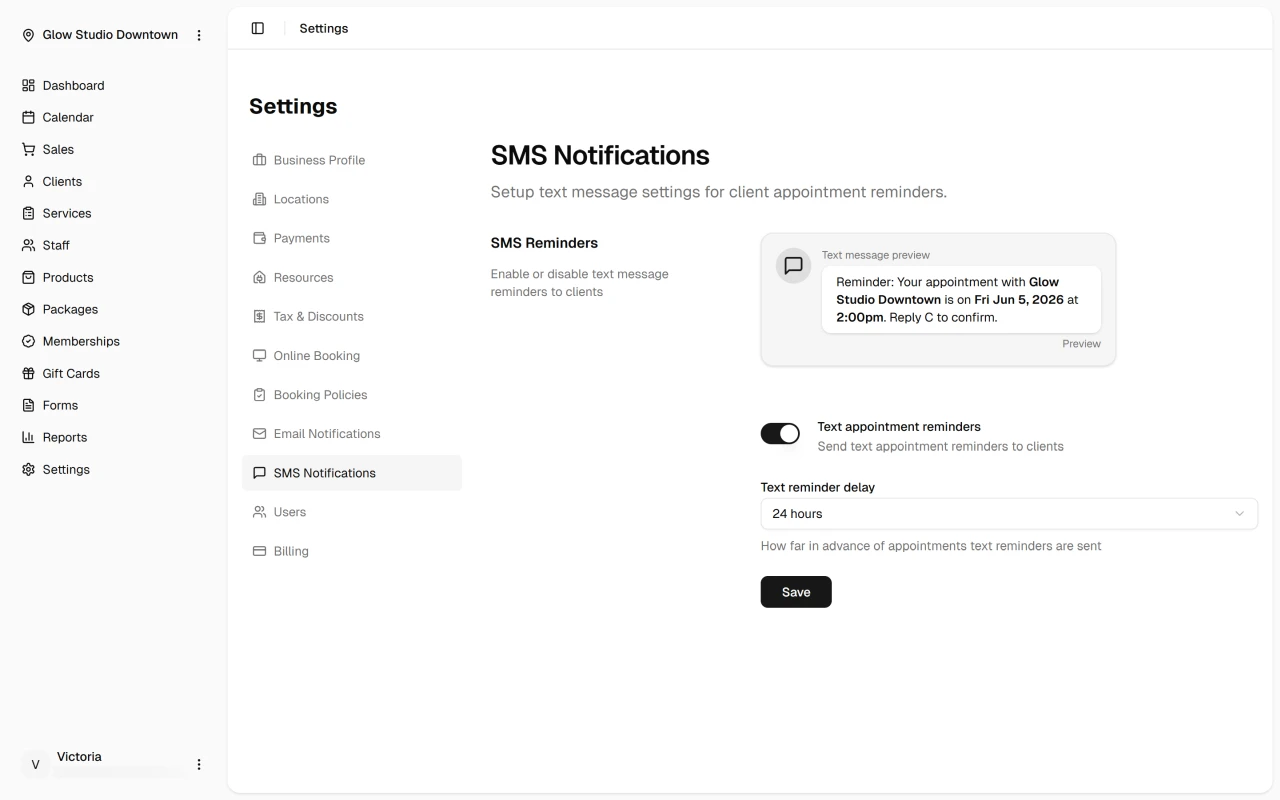
In Settings → SMS Notifications, enable Text appointment reminders and choose Text reminder delay (days before the appointment).
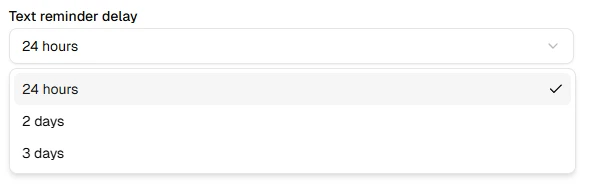
SMS packages and pricing
SMS messages are billed separately from your DaySpark plan. Purchase and manage packages on Settings → Billing under SMS Balance & Subscription:
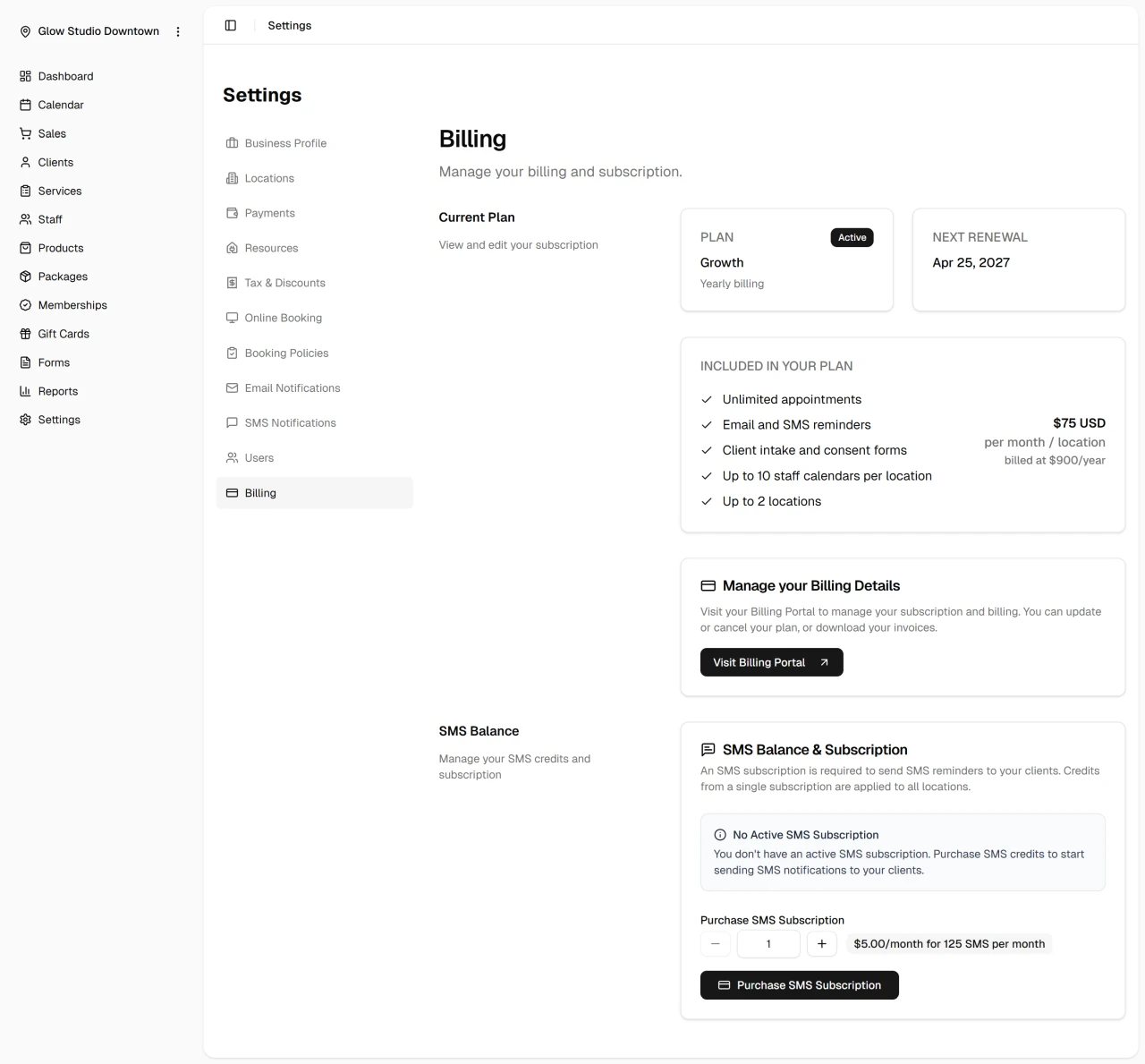
| Item | Details |
|---|---|
| Price | $5 USD or $6.50 CAD per package per month |
| Included | 125 SMS per package |
| Renewal | Credits refresh at the start of each monthly SMS billing cycle |
| Locations | One subscription covers all locations |
| Quantity | Buy multiple packages if you need more than 125 messages per month |
Each SMS sent to a client uses one credit from your balance. If reminders are enabled but you have no credits left, SMS will not send until you purchase or renew a package.
Related
Quick Tip
Book a test appointment to confirm reminder timing and wording before relying on SMS for live clients.